FAQ

Frequently Asked Questions

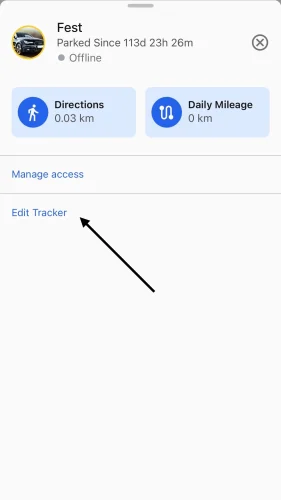
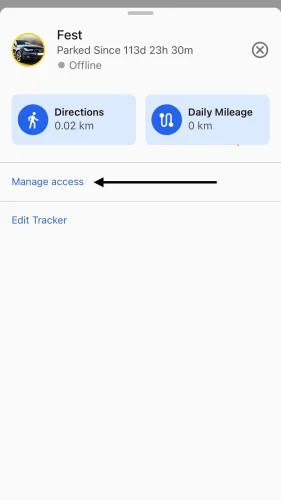
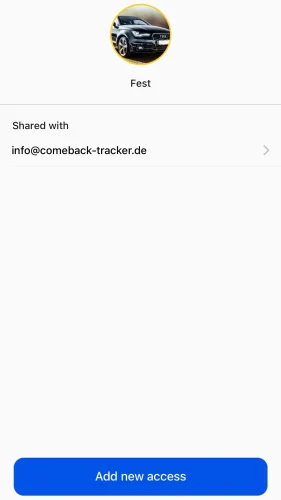
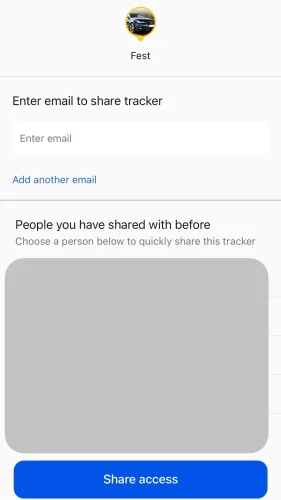
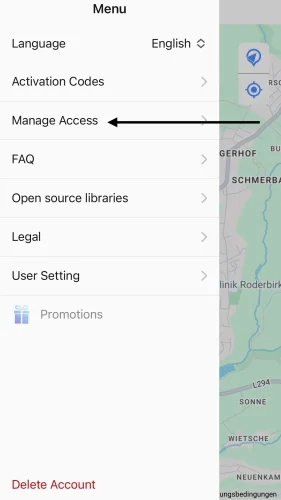
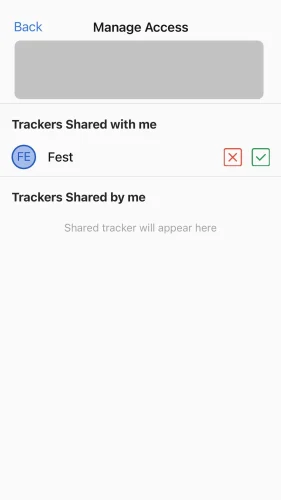
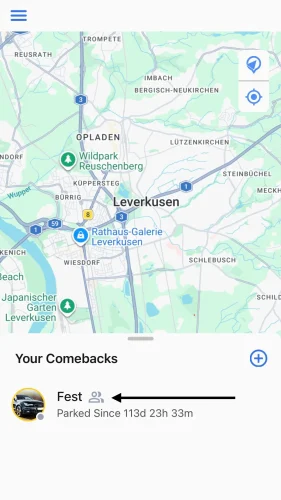
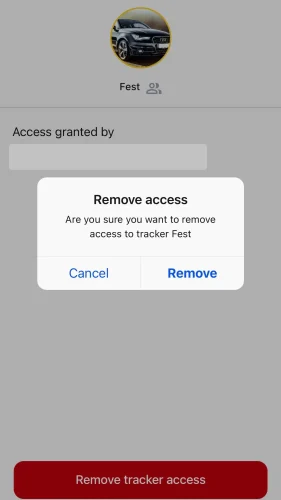
Currently there is no option to give other people access to trackers without account information. In the future, you will be able to give access to selected trackers to selected individuals for a limited period of time.

The SIM card included is intended exclusively for the Comeback Tracker. Any other use will result in automatic blocking of the SIM card. SIM cards are protected with a seal against undetected removal.

The Comeback is splash proof. It should always be installed inside vehicles.

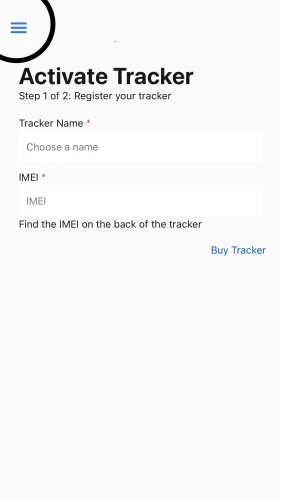
Yes, several comeback trackers can be managed in one account. Please note that an activation code is required for each comeback tracker.

Generally, you can use any charger that has a USB port to charge the Comeback. This also includes a USB slot in the car or a power bank for travel.

The Comeback to be installed does not have a battery, so it requires an external power connection, which can be between 9 and 90 volts. The black wire from the Comeback should be connected to the negative terminal and the red wire to the positive terminal of the battery.

Yes, as long as your Comeback is in one of our supported countries and has mobile Internet access (4G on all networks), you can check the location from anywhere.

Please write to us at info@comeback-tracker.de

We are happy to help!

The Comeback has a built-in GPS module and a roaming radio module (4G, use all networks). This ensures direct communication. An Airtag cannot communicate directly with your iPhone if it is not in the vicinity. It relies on I-Phones in the immediate vicinity, which send the airtag’s location to you every few minutes.

The Comeback Tracker is intended for use outside buildings. There is no GPS reception inside buildings, which is why the last location displayed is usually outside buildings.

Please note that it can take up to 24 hours after registration for activation to take place. Please also make sure that the Comeback is switched on. To do this, remove the flap with the logo. The Comeback to be installed has a small lever (on/off). Set this to “on” and connect the Comeback to a battery (red to “+”, black to “-” pole).

The magnetic comeback has a small black button on the side. Press this for three seconds.

You can recognize when the Comeback is switched on by the flashing LED lights. For more information, an instruction manual is included in the package.

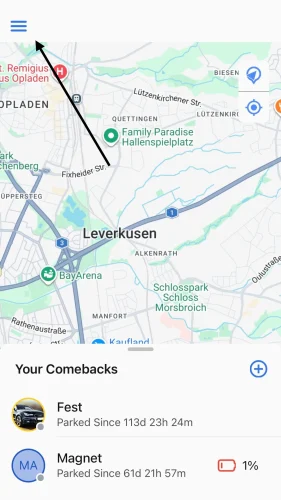
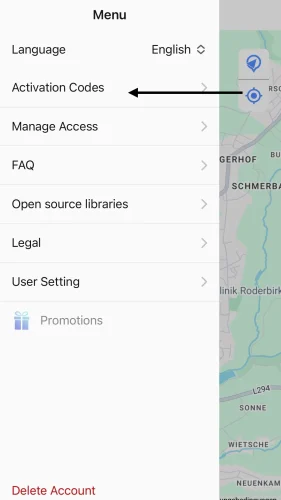
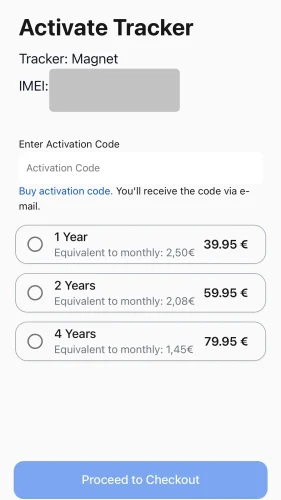
The activation code must be purchased separately from the tracker on our website. You can choose between a term of 1, 2 or 4 years. The code will then be made available for download as a PDF file and sent to you by email.  

EU+ Tracker: Works in 34 European countries (including EU countries, Switzerland and the United Kingdom) on all 4G networks. 

Countries included: Belgium, Bulgaria, Denmark, Germany, Estonia, Finland, France, Greece, Ireland, Iceland, Italy, Croatia, Latvia, Liechtenstein, Lithuania, Luxembourg, Malta, Netherlands, Norway, Austria, Poland, Portugal, Romania, San Marino (Italy), Sweden, Switzerland, Slovakia, Slovenia, Spain, Czechia, Hungary, United Kingdom, United Kingdom Channel Islands, Cyprus. 

Europe Tracker: Works in 54 countries on all 4G networks.

Additional countries with Europe Tracker: Albania, Andorra, Bosnia and Herzegovina, Faroe Islands (Denmark), Georgia, Gibraltar (UK), Greenland (Denmark), Israel, Kosovo, North Macedonia, Monaco, Montenegro, Republic of Moldova, Russian Federation (Russia), Serbia, Turkey, Ukraine, United Kingdom, United Kingdom Channel Islands, Belarus  


No. You do not sign up for a subscription with us that automatically renews. Our activation codes expire automatically if you do not take action. You can use the tracker until the end of the booked term, after which you can renew it.  

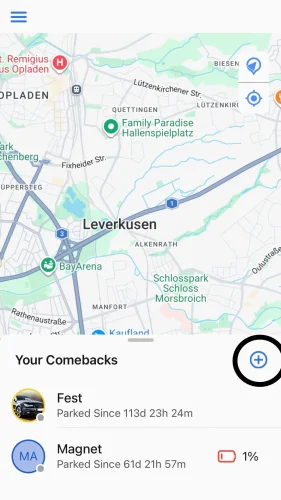
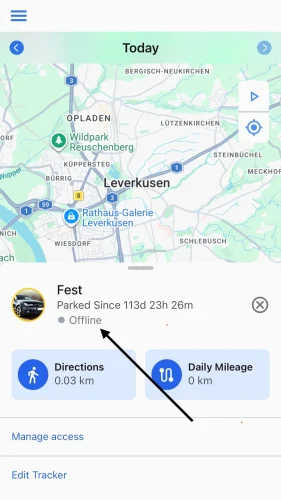
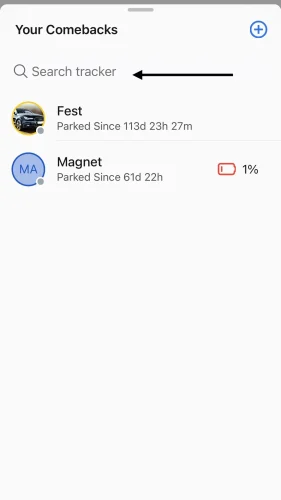
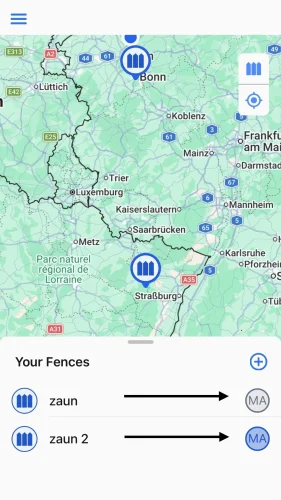
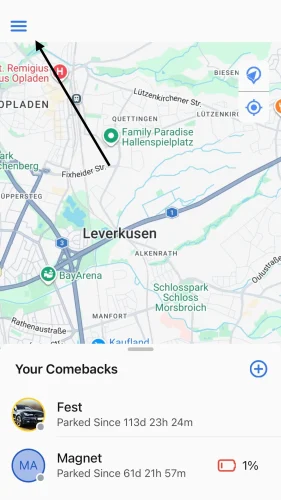
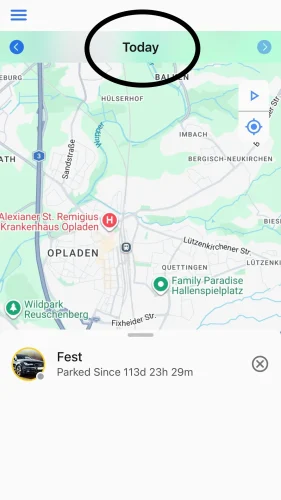
Yes. You can manage multiple Comeback Trackers simultaneously in one account. However, you need a separate activation code for each tracker. All trackers are displayed on the map in the overview. Select a tracker from the list below to access the detailed view. 

IMG_5832

After opening the flap, you will find the button at the top left, next to the gold seal. Press and hold this button to switch on until the three LEDs start flashing rapidly. Once the green LED starts flashing slowly, the tracker is ready for use.

To switch off, first press the button briefly until the LEDs flash. Then press and hold until all LEDs go out.

The M 6000 & L 8000 have an integrated battery and the tracker is rechargeable via USB-C. The battery life of the M 6000 is approximately 6 weeks, and approximately 8 weeks for the L 8000. The battery life may vary depending on usage and temperature of the tracker.

The tracker is splash-proof. However, it should be installed inside the vehicle.

The M 6000 and L 8000 each have a USB-C port. You can generally use any charger with a USB port to charge the Comeback. This includes a USB slot in your car or a power bank for when you’re on the go.  

The tracker to be installed has only a small integrated battery for bridging short periods of less than 4 hours. For operation, it must be connected to the vehicle battery using 2 cables and requires a voltage between 9 and 90 volts. The black cable is connected to the negative terminal and the red cable to the positive terminal of the vehicle battery.   

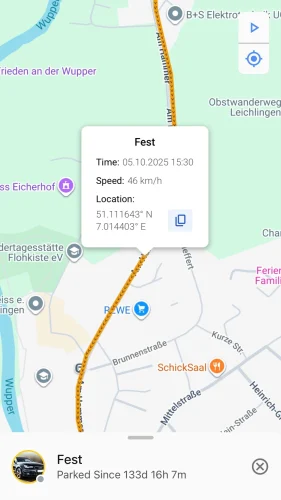
The tracker usually transmits the location every 10 seconds. This enables accurate live tracking. In addition, you can view the routes travelled with the corresponding coordinates and speeds.  

IMG_5833

Activating the SIM card can take up to 24 hours. In addition, a certain amount of data must have been produced for the SIM card to activate.

It is therefore best to install the tracker in the vehicle as desired and then drive around with it. The tracker will then be visible in the app within a short time. 

The Comeback tracker is intended for use outside buildings. There is no GPS reception inside buildings, which is why the last location displayed is usually outside buildings. 

Please also make sure that the Comeback is switched on. To do this, remove the flap with the logo. The Comeback to be installed has a small lever (on/off). Set this to “on” and connect the Comeback to a battery (red to “+”, black to “-” pole).

The magnetic Comeback has a small black button under the rubber tab next to the gold seal. Press this with a pointed object for three seconds. 
You can tell that the Comeback is switched on by the slowly flashing LED lights.

It is particularly important that the green LED flashes slowly. This indicates that there is a connection to the server. For more information, a user manual is included in the package.  


The built-in tracker works via the vehicle battery and is not battery-powered. However, a few hours after activating the built-in tracker, the Comeback app may still incorrectly display a battery level. This can be completely ignored and will disappear as soon as the tracker “sends the signal” that it is built-in and not battery-powered.

Send us an email at info@comeback-tracker.de or use the contact form on our website. We are happy to help and will endeavour to find a solution to any problem.  

The Comeback has a built-in GPS module and a roaming radio module (4G, uses all networks). This ensures direct communication. If an AirTag is not near your iPhone, it cannot communicate directly with it. It relies on iPhones in the immediate vicinity, which send you the AirTag’s location every few minutes.